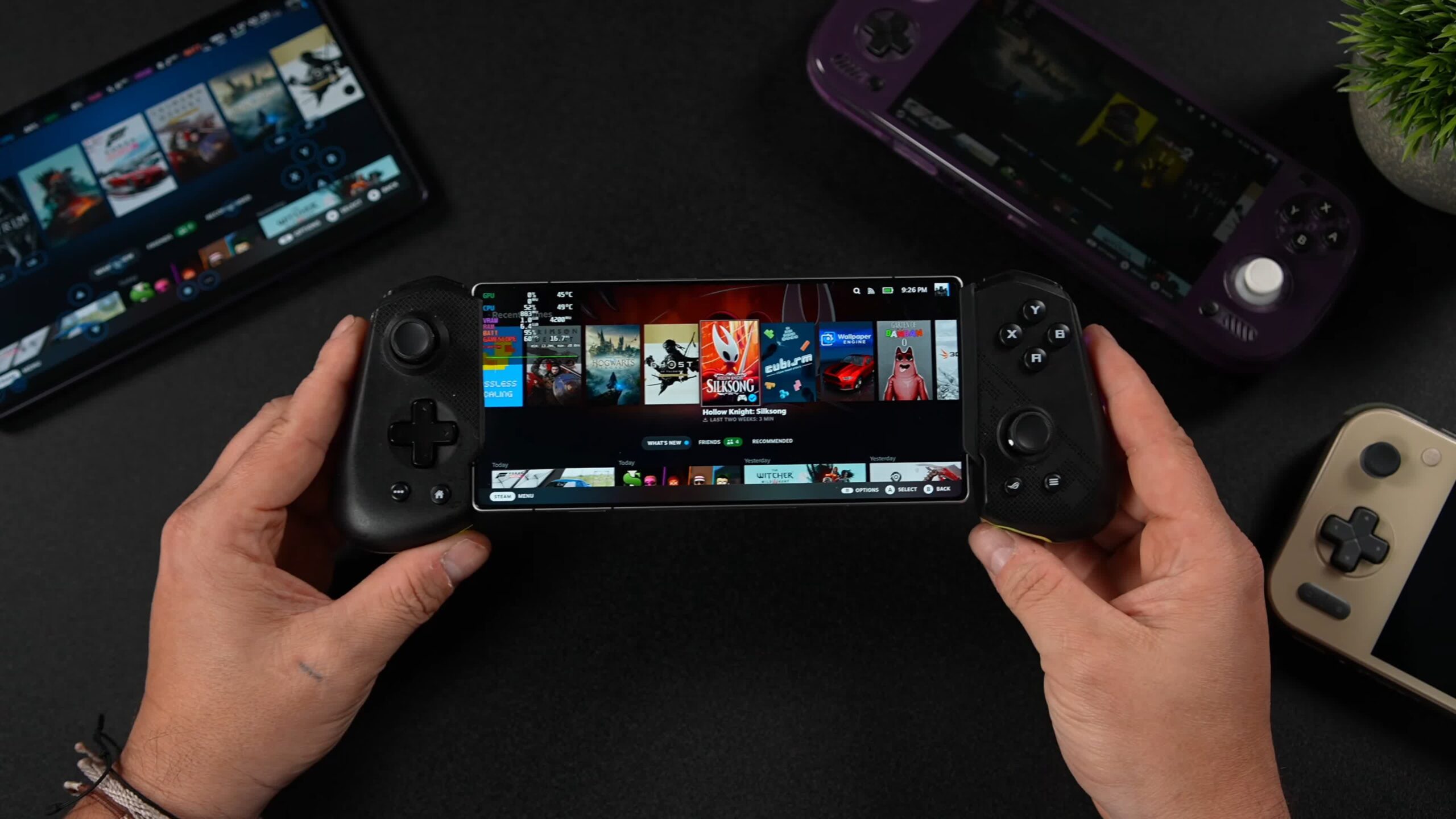
Short: There are various ways to play PC games on Android devices like mobile phones. However, streaming these games often requires streaming, which is not always ideal and may require a subscription. But a free, open-source app brings Valve’s Steam client to supported Snapdragon-powered Android devices, running games locally and without changing the operating system.
The app is called DroidDeck and runs PC games locally using ARM64 Proton and x86 translation. There is no streaming and it doesn’t ask for root access or replacing Android with another operating system.
DroidDeck runs Valve’s ARM64 Linux Steam client in Big Picture mode, so it should be pretty familiar. Windows games run through Proton, while FEX handles x86 command translation.
Steam users can directly access their libraries and download games to the device, just like on a PC.
The app also features GPU driver switching, AMD FSR and Snapdragon GSR upscaling, and frame generation through lossless scaling if you own a copy on Steam.
DroidDeck does not work on every Android device. According to the project’s GitHub page, you need Android 9 or newer and supported Adreno graphics, officially Adreno 730 or newer, including the 8xx series. Adreno 6xx support is experimental, while Mali, Xclipse, PowerVR and Adreno 710 are not supported.
You’ll also need about 3GB for the Linux runtime, another 1.1GB if you need the optional desktop and emulators, as well as enough space for your games.
Before starting Steam, Android’s child process restrictions must be disabled. You can download the APK from the project’s GitHub release page, then install the runtime and log in.
As for expected performance, YouTube channel ETA PRIME tested the app on a Redmagic 11 Pro with a Snapdragon 8 Elite Gen 5 and 16GB of RAM. Cyberpunk 2077 ran at an impressive 60 fps on medium settings.
DroidDeck isn’t the only app that offers this type of functionality. Winlator runs Windows applications using Wine and Box86/Box64, while GameNative also lets you download and play games from your Steam library locally, with cloud saves and community configurations. The main advantage of DroidDeck is that Valve gets the actual Steam client and the familiar Big Picture interface.
However, don’t expect every game in your library to work. The developers state that compatibility and performance vary depending on the device. Therefore, you may need to experiment with the settings before finding the optimal experience.