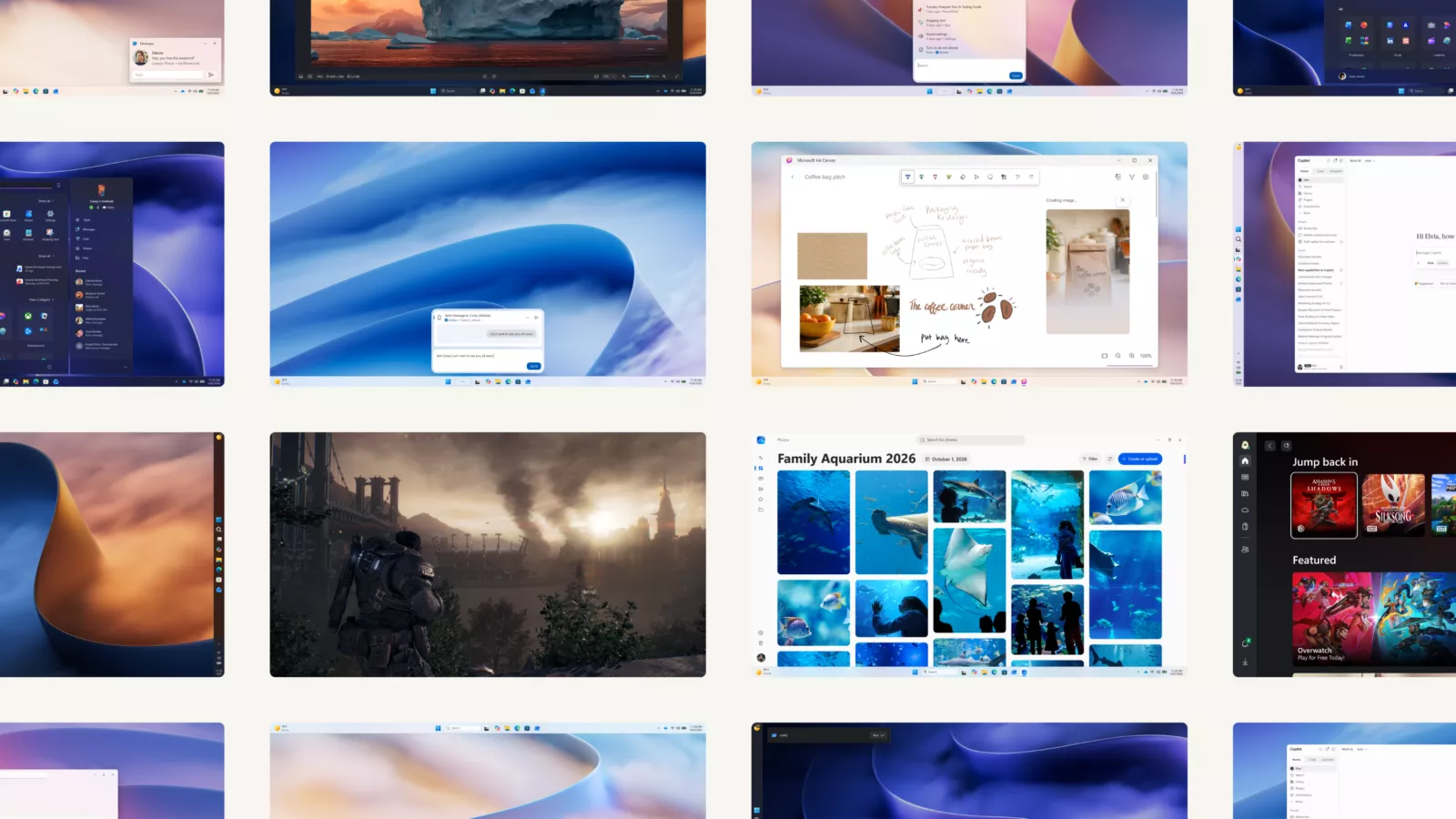
First look: Microsoft’s latest Windows 11 update targets the small lags that make a PC feel slow, with changes to memory management and everyday tools like Startup, Search, and File Explorer. The company says Windows is now up to 20% more responsive when testing select tasks. The operating system can also keep up to 2GB more active data in RAM instead of moving it to slower storage.
The changes follow Microsoft’s previous commitment to improving the performance, reliability and overall experience of Windows 11.
On PCs with 8GB of RAM or less, Windows also waits to load widgets until users open them. According to Microsoft, this means more than 200 MB of memory is available for applications and other tasks.
With this change, Microsoft is adjusting how Windows uses the memory it already has available to give active tasks more space while limiting background loads. The work is aimed at software efficiency rather than the need for a hardware upgrade.
The Redmond giant says the improvements make a significant difference on 8GB systems, although the extra data stored in RAM is an “up to” value and not a fixed gain for every PC.
Microsoft measured responsiveness by comparing Windows 11 build 26300.9550 with build 26200.7628. Tests included Search, Start, Settings, Snipping Tool, File Explorer, Microsoft 365 and right-click interactions. The results concern response times for these actions; They don’t mean that every application or workload will run 20% faster.
Microsoft has also improved Edge and other Windows features through the broader effort.
Beyond improvements to the existing search experience, Microsoft is testing a redesigned version with Windows Insiders. The company says it will be faster and more powerful, with a broader rollout planned for later this year.
Other improvements include sign-in and device connections. Windows Hello is faster, while Bluetooth changes are intended to make pairing more reliable. According to Microsoft, pairing AirPods can now be up to 15 seconds faster.
The company has also made Windows Update less intrusive, cleaned up widgets, and restored the option to move the taskbar to the top or side of the screen.
The changes will be rolled out gradually, so users won’t get all the improvements at once.