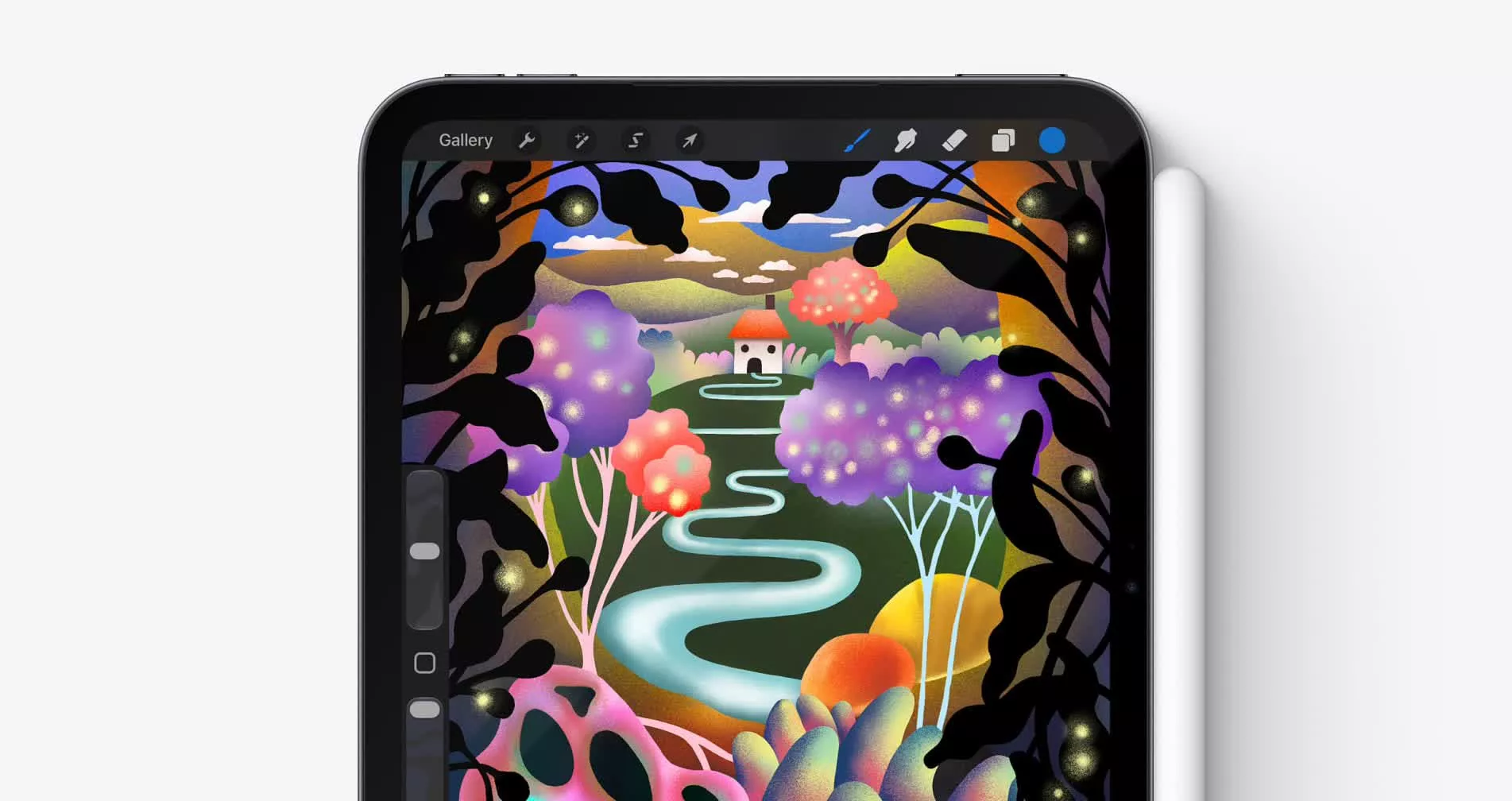
Apple’s iPad lineup has an unusual pecking order in 2026. The latest iPad mini features an OLED display and the A20 Pro chip, while the larger iPad Air still has an LCD. With current discounts, the Air can even be cheaper. Meanwhile, a series of price increases have pushed the entry-level iPad to $449 and the Pro into a range where a MacBook looks tempting.
The result is that there is no clear-cut best iPad for everyone. We still believe Apple is a leader in tablets thanks to hardware and software that work remarkably well together. But which model suits you best? That’s what this guide is for.
We’ve updated our guide to reflect the latest models, prices and accessories. Below is an overview of the current lineup, followed by the tradeoffs that matter most when deciding which iPad is worth your money.
| Model | iPad | iPad Mini | iPad Air M4 | iPad Pro M5 |
| generation | 11th generation | 8th generation | 8th generation | 8th generation |
| Release date | March 2025 | November 2026 | March 2026 | Oct. 2025 |
| RRP / Amazon | $449 / $399 | $699 / $699 | $749 / $649 | $1,199 / $1,099 |
| processor | A16 | A20 Pro | M4 | M5 |
| Display size | 10.9″ | 8.5″ | 10.9″ or 12.9″ | 11″ or 13″ |
| Display technology | 60Hz LCD | 60Hz OLED | 60Hz LCD | 120Hz OLED |
| Min/Max memory | 128GB / 512GB | 128GB / 512GB | 128GB / 1TB | 256GB / 2TB |
| Keyboard | Magic Keyboard Folio | n/a | Magic Keyboard for iPad Air | Magic Keyboard for iPad Pro |
| Pencil | 1st generation and USB-C | Pencil Pro and USB-C | Pencil Pro and USB-C | Pencil Pro and USB-C |
Is the basic iPad all you need?
If you’re looking for a great tablet for watching videos and surfing the web, the simple and affordable iPad is for you. The base iPad has the same screen resolution (2360 x 1640) and maximum brightness (500 nits) as the 11-inch iPad Air. In addition, like the other models, it has an ultra-wide 12 MP front camera.
If you’re looking for a tablet that can also function as a simple laptop, the iPad supports the Magic Keyboard Folio, which includes function keys and a trackpad. While you could get the MacBook Neo for the total price of the iPad and keyboard, the iPad can offer a more portable solution if you primarily want a tablet, plus it offers a better camera. Although the kickstand design requires more desk space, you can remove the keyboard if necessary.
For the price, the basic iPad offers impressive features, but it’s not the best choice for everyone. Since the display lacks an anti-reflective coating, it is less suitable for outdoor use. If you use your iPad for drawing, you’ll appreciate the fully laminated display and wider color gamut available on other models.
In particular, the A16 SoC and 6GB of RAM pale in comparison to the Apple M4 and the 12GB that the iPad Air offers. This also makes it the only current model that cannot run Apple Intelligence, which uses on-device processing.
Although the iPad has a USB-C port, it still supports the 1st generation Pencil. If you already own the 1st generation Pencil, you’ll need a $9 adapter to connect it. Alternatively, it supports the cheaper USB-C pen, which has no pressure sensitivity but attaches magnetically to the iPad’s bezel.
The iPad’s MSRP has been increased from $349 to $449, but is still available for $399 with the 128GB Wi-Fi model. For an additional $100 you can upgrade to 256GB, and upgrading from 256GB to 512GB costs another $200. Color options include silver, blue, pink and yellow, allowing for a vibrant selection even without a case.
The iPad mini becomes premium
The iPad Mini was updated in 2026 with the same A20 Pro chip as the iPhone 18 Pro series and 12GB of RAM. It outperforms the iPad Air’s M4 chip in single-core and graphics tasks, but still lags behind in multi-core performance.
In such a small package and at this price, you’ll be hard-pressed to find anything faster, making it a great choice for mobile gaming or 3D modeling on the go.
However, only the 512GB model has a fully functional chip that includes two performance cores, four efficiency cores and a dual neural engine. In the other versions, an efficiency core and a neural engine are deactivated.
Measuring 19.5 x 13.3 cm (7.7 x 5.2 inches), the Mini is one of the largest tablets that most adults can comfortably hold in one hand. The thickness has been significantly reduced from 0.25 inches (6.3 mm) in the previous A17-based model to 0.21 inches (5.4 mm). If you need a tablet that you can use while standing, the Mini may be your best choice. Strangely, like the other models, the front camera has been moved to the longer edge, making it less suitable for one-handed use.
With a resolution of 2316 x 1512, the new 8.5-inch display has narrower bezels than its predecessor and the highest pixel density of any iPad. It uses an OLED panel with 1,200 nits of peak brightness (600 nits for the entire screen) and can still display true black at the pixel level.
It’s also the first iPad with an “acoustic display,” which uses vibrations of the screen to produce sound. By eliminating traditional speaker grilles, Apple has also given the Mini an IP67 rating for water and dust resistance.
It only supports Bluetooth keyboards, but it does support the wireless Pencil Pro, which adds features like rotate, press, haptic feedback, and Find My compatibility. Even with the USB-C version, the Mini supports the mouse-like pencil hover function. It supports 35W fast charging, although the included adapter only delivers 20W.
Unlike previous Mini models (and like the iPad Pro), the new Mini is only available in two colors: “Midnight” and “Starlight”. The Mini starts at $699 with 128GB of storage and Wi-Fi. Storage expansion options are the same as the base iPads. An optional nano-texture display reduces glare for an additional $100, but is only available on the 256GB and 512GB models.
If you’re interested in the Mini more for its size than its performance, you can still get the previous model for just $499.
The iPad Air remains the sweet spot
The iPad Air is powered by a stripped-down version of Apple’s M4 chip with three performance cores and five efficiency cores, as well as 12GB of RAM. It excels at multitasking, video editing, and other demanding tasks, although its LCD display isn’t ideal for HDR work. It’s a good choice if you want something larger than the iPad mini without the limitations of the base iPad. The Air is compatible with both the space-saving Magic Keyboard and the Pencil Pro.
The 11-inch iPad Air currently starts at $649 with 128GB of storage, and for an additional $200 you can upgrade to the 13-inch model. The larger version offers higher maximum brightness (600 nits), improved bass, and a 4:3 aspect ratio that reduces scrolling when held horizontally. A comparable upgrade to the iPad Pro would cost $300.
The Air’s color options include Starlight, Space Gray, and subtle shades of blue and purple.
Like the Mini, the Air also allows upgrades to 256GB and 512GB of storage. For an additional $300 (was $200), you can expand from 512GB to 1TB – still a cheaper option than the iPad Pro’s $400.
If you’re looking for an iPad with a 13-inch display and 1TB of storage, the Air can save you hundreds compared to the Pro.
When is the iPad Pro worth the extra cost?
iPad Pro is designed for professionals who demand peak performance. Graphic artists will appreciate the smooth drawing experience on a 120Hz display. For interior designers who need to show their clients room layouts in real time, integrated LiDAR can be really useful.
For video editors who work on the go, the Pro might be the device of their dreams. Its tandem OLED display uses two stacked panels to achieve maximum HDR brightness of up to 1,600 nits, maintaining 1,000 nits across the entire screen.
It’s also a great rear camera with ProRes recording (though the 256GB versions can only record 1080p ProRes), audio zoom, and stereo recording.
The Apple M5 chip significantly outperforms the stripped-down M4 in the Air and features a USB-C port that supports USB4/Thunderbolt speeds. Only the 1TB and 2TB versions feature a fully featured M5 with four performance cores, six efficiency cores and 16GB of RAM, ideal for heavy multitasking.
Other versions of the iPad Pro have a disabled performance core and 12GB of RAM, but still outperform the Air’s M4.
iPad Pro is compatible with the Pencil Pro and the Magic Keyboard for iPad Pro, which features function keys and haptic feedback on the trackpad. The device also has four speakers and a TrueDepth front camera with Animoji and Memoji support. It supports 60W fast charging, but not with the included 20W adapter.
The 11-inch iPad Pro Wi-Fi model currently starts at $1,099 with 256GB of storage (Amazon is discounting it by $100 from Apple’s MSRP). The larger 13-inch iPad Pro currently costs $300 more (that’s a cool and hefty $1,399). Increasing the storage to 512GB costs $200. Upgrading to 1TB costs $400, upgrading from 1TB to 2TB adds $500 to the price. The iPad Pro only comes in black and silver.
Should you add 5G to your iPad?
Adding sub-6GHz 5G to your base iPad, iPad Mini, or iPad Air makes it $150 more expensive. Adding the exact same feature to your iPad Pro will increase the price by $200. Of course, you can turn your smartphone into a hotspot, but this will drain the battery of both devices.
The more expensive the iPad, the more practical it can be to invest in cellular connectivity. For a Pro model with 1TB or more storage, the extra $200 is probably a worthwhile expense.