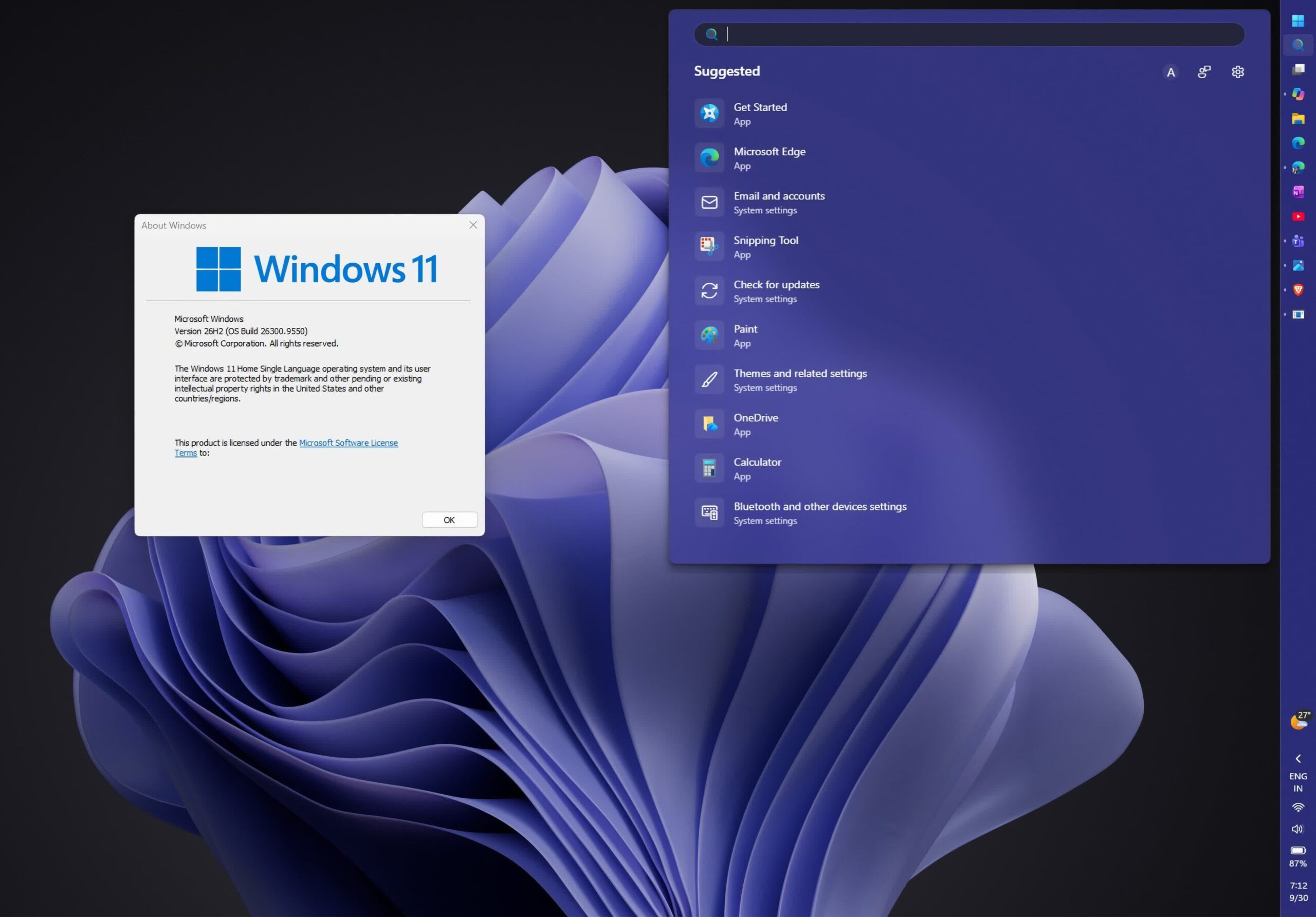
The takeaway: Microsoft has officially released Windows 11 26H2 to the stable channel and is making it available to all eligible users. The update is described as an “activation package” that only activates dormant features provided with previous monthly updates. It’s a tiny 174KB download for devices that are already up to date with all cumulative updates.
Windows will automatically notify you when the update is available for your device. If you don’t want to wait, open Settings, select Windows Update in the left pane, and check “Get the latest updates as soon as they’re available.” Then click “Check for updates” and click “Download and Install” when the update is offered for your PC.
Microsoft calls version 26H2 a “predictable and low-disruption update” and insists that it shouldn’t pose any stability or compatibility issues because it uses the same underlying code as versions 25H2 and 24H2. All three are based on the Germanium version, which introduced fundamental changes to Windows 11, including deep optimizations for the ARM64 architecture and AI hardware.
Version 26H2 enables multiple dormant features in Start Menu, Taskbar, File Explorer, Windows Search, Gaming, Task Manager and Network. It also enables AI features in Settings, Task Manager, Narrator, and more, as well as multiple personalization options, accessibility features, productivity enhancements, and security upgrades.
One of the biggest benefits of 26H2 is the improved support lifecycle. Although sharing the same servicing branch as 24H2, the new version extends support for Windows 11 Home and Pro editions until October 2028, while devices with 25H2 and 24H2 are supported until October 2027 and October 2026, respectively.
For Windows 11 Enterprise and Education, support for 26H2 runs until October 2029, compared to October 2028 for 25H2 and October 2027 for 24H2. Windows 11 26H2 IoT Enterprise will also be supported until October 2029.
Earlier this year, Microsoft explained how its Windows team prioritized performance and stability over new features after persistent complaints about crashes, compatibility issues and sluggish performance.
According to CEO Satya Nadella, the company is trying to win back users by focusing on “core features and fundamentals that matter most to our customers.”
Imprint: Windows Latest